Tracking History
The tools package contains utilities that interact with the learning process itself. For example, tools.lineage has tools that track and plot lineages.
This document discusses the following components:
TrackParentsmodifies the behaviour of an existing variator to also record lineages.graph_lineagetakes a collection of individuals and plots their lineages, if recorded.
[1]:
import random
random.seed(1)
from evokit.core import Population
from evokit.evolvables.bitstring import BitString, CountBits
from evokit.tools.lineage import TrackParents
from evokit.tools.lineage import graph_lineage
Tracking Lineages
To enable lineage tracking, take an existing algorithm (e.g. OneMax with only crossover) and wrap its variator with TrackParents. Then, run the algorithm as normal.
[ ]:
T: int = 10

[1, 1, 0, 1, 1]

from evokit.evolvables.algorithms import SimpleLinearAlgorithm
from evokit.evolvables.bitstring import OnePointCrossover
from evokit.evolvables.selectors import TruncationSelector

another_pop = Population((BitString.random(size=20)
                          for _ in range(30)))

ctrl = SimpleLinearAlgorithm(another_pop,
                             CountBits(),
                             TruncationSelector(budget=6),
                             TrackParents(OnePointCrossover(0.5),
                                          max_parents=20))

for _ in range (20):
    ctrl.step()
Accessing Parents
To record lineages, TrackParents stores the parents of each offspring in its .parents. The parents of these parents may also be recorded, forming a family graph.
[3]:
ctrl.population[0].parents
[3]:
(<evokit.evolvables.bitstring.BitString at 0x28f4b860c50>,
 <evokit.evolvables.bitstring.BitString at 0x28f4b860c80>)
Keeping track of parents costs memory: if an individual has at most  parents and
  generations of parents are tracked, then at most

extra individuals may be stored in memory. The cost can be significantly less in practice, as successful individuals often share common ancestors.
To limit the memory cost, EvoKit expunges an parent as long as soon it becomes the  ancestor of any offspring. You can configure
  by supplying a different
 max_parents to TrackParents.
Visualising Parents
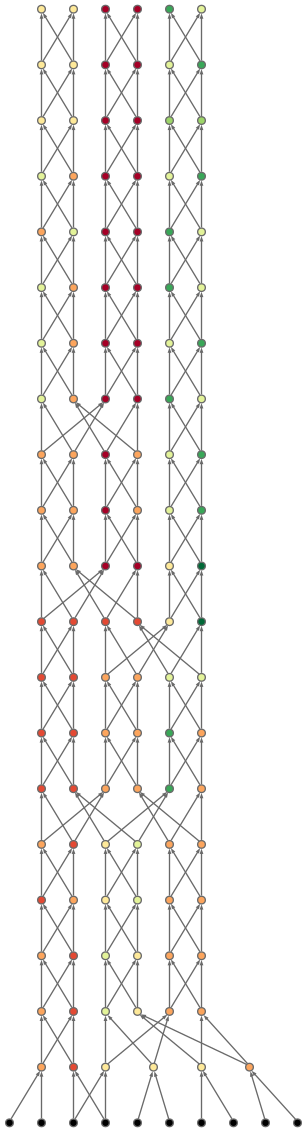
The graph_lineage function takes a number of individuals and outputs a Digraph (type from the graphviz module). To view the graph, either render it in a notebook cell or export it by setting save_as=<file_name_without_extension>. The following cell does both.
[4]:
dot = graph_lineage(ctrl.population,
                    use_colour=True,
                    compact=True,
                    save_as="./media/_temp-lineage")
dot
[4]:
Prettify Output
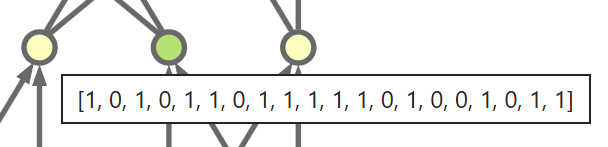
Large individuals and long lineages can take up too much space. To remedy this, set compact=True to render individuals as dots. To view the string representation of a dot, export the diagram as SVG and view its tooltip.
Connections can look messy with large populations. If the compact view is not enough, increase vertical spacing with vertical_spacing=<N>.
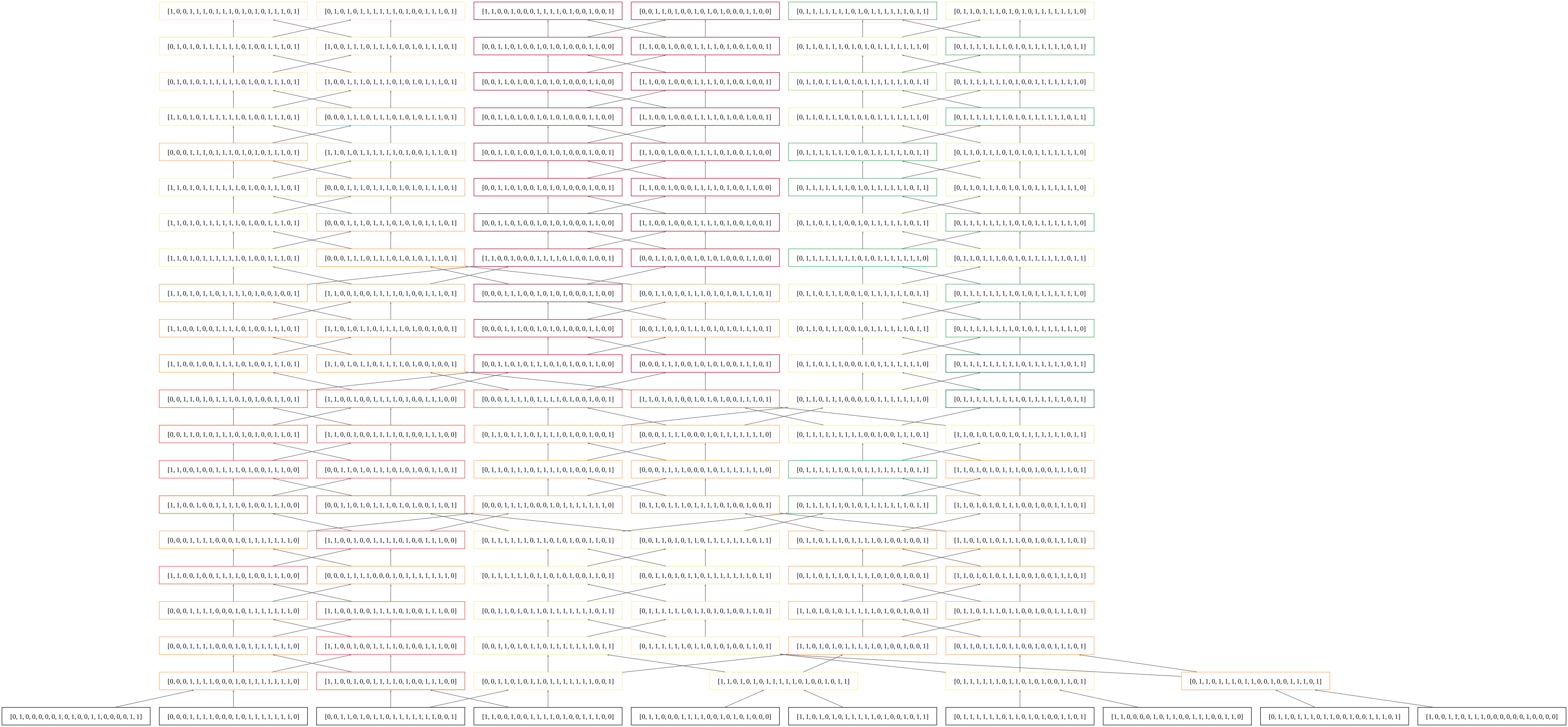
Before closing the tutorial, let’s see a graph without all the nicities:
[5]:
dot = graph_lineage(ctrl.population,
                    compact=False,)
dot
[5]:
Archiving Parents
[6]:
ctrl.population[0]
[6]:
<evokit.evolvables.bitstring.BitString at 0x28f4b860ef0>
[7]:
dot = graph_lineage([ctrl.population[0]],
                    compact=True,)
from evokit.core.population import save, load
[8]:
ex = ctrl.population[0].archive()
save(ex, file_path="./www.save")
[ ]:
em = load(file_path="./w ww.save")
[10]:
save(ex, file_path="./www2.save")
[11]:
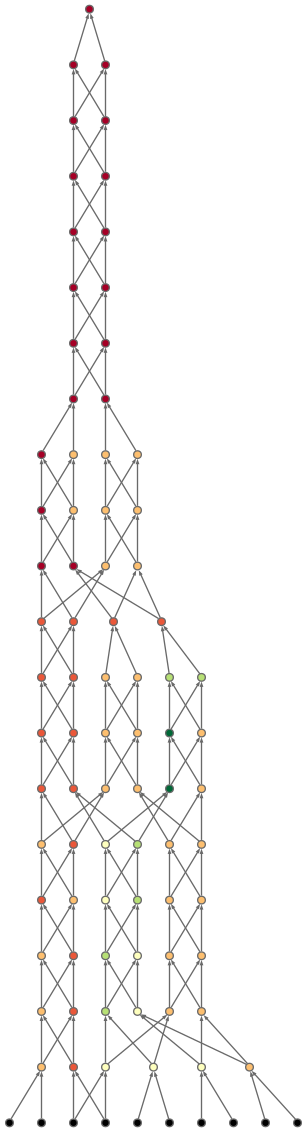
eut = graph_lineage([em],
                    compact=True,)
eut
[11]:
[12]:
save(ctrl.population[0].copy(), "simple.sav")
[ ]:
%%timeit -n 1 -r 1
save(ctrl.population[0].copy(), "simple2.sav")